
Editing a short is not just editing a long video with less footage. The format rewards different instincts — speed, density, and a ruthless focus on the first few seconds. If you’re coming from long-form or starting fresh, here’s the playbook that separates shorts that perform from shorts that disappear.
Design vertical from the first frame
Don’t shoot and cut horizontal, then crop. Frame for the phone from the start. Your subject, your text, and your key action all need to live in the center vertical strip, because that’s the only part guaranteed to be visible. Vertical-first composition is the single biggest beginner upgrade.
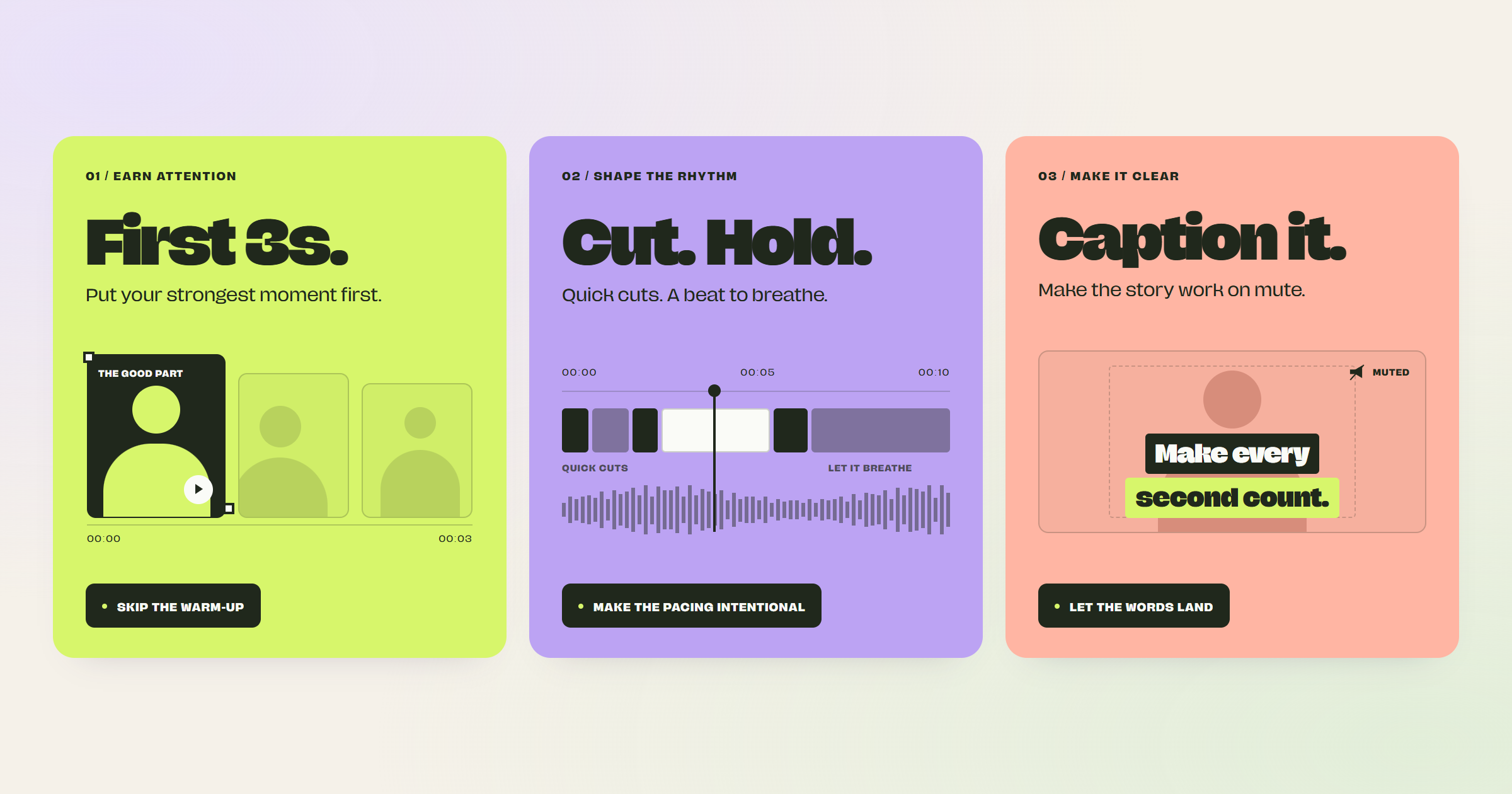
Earn the first three seconds
On short-form, the opening decides everything. There’s no room for a warm-up — the first frames have to show motion, a face, or text that promises something worth staying for. If your strongest moment is buried, move it to the front. SmoothyEdit can surface the most compelling hooks in your footage so you know what to lead with.
Keep something changing
A useful rule of thumb: something should change roughly every few seconds — a cut, a new angle, a graphic, a sound, a shift in energy. Identical shot rhythm is where attention leaks. You don’t need flashy effects; you need momentum.
Vary your pacing on purpose
“Fast” isn’t the whole answer. Relentlessly fast becomes exhausting; uniformly slow becomes dull. The skill is contrast — quick cuts for energy, a held beat for emphasis. Match the cut rhythm to what the moment is doing. To see pacing like this in real launches,
here are 15 product launch videos with their view counts.
Cut the dead air
Filler words and pauses are momentum killers on short-form, where every second counts double. Tight, jump-cut delivery is the native rhythm of the format. Trimming silence automatically gets you most of the way there in one pass.
Caption everything
Most short-form is watched on mute. Captions aren’t optional — they carry your message when the sound is off and keep viewers reading along. Generating accurate captions is quick and lifts retention.
Don’t stop at one clip
One good recording usually contains several shorts, not one. Learning to spot which moments stand alone — or assembling a tight clip from pieces across a longer video — is how creators turn one shoot into a week of posts.
Getting started
Short-form is a craft you learn by shipping a lot of them, fast. The way to ship fast without cutting corners is to automate the repetitive parts — hooks, dead-air trimming, captions, and clip-finding all come from one transcript in the SmoothyEdit dashboard. Get the fundamentals above into your hands, lean on tools for the busywork, and your shorts will start holding attention. See the SmoothyEdit overview for the full toolkit.